
Welcome to our Knowledge Base
Changing Your Licence URL
When moving a WordPress site, updating hosting, or adding SSL, the active WPComplete license may need to be reassigned to a new URL. This process ensures the plugin remains active and updates continue to be delivered.
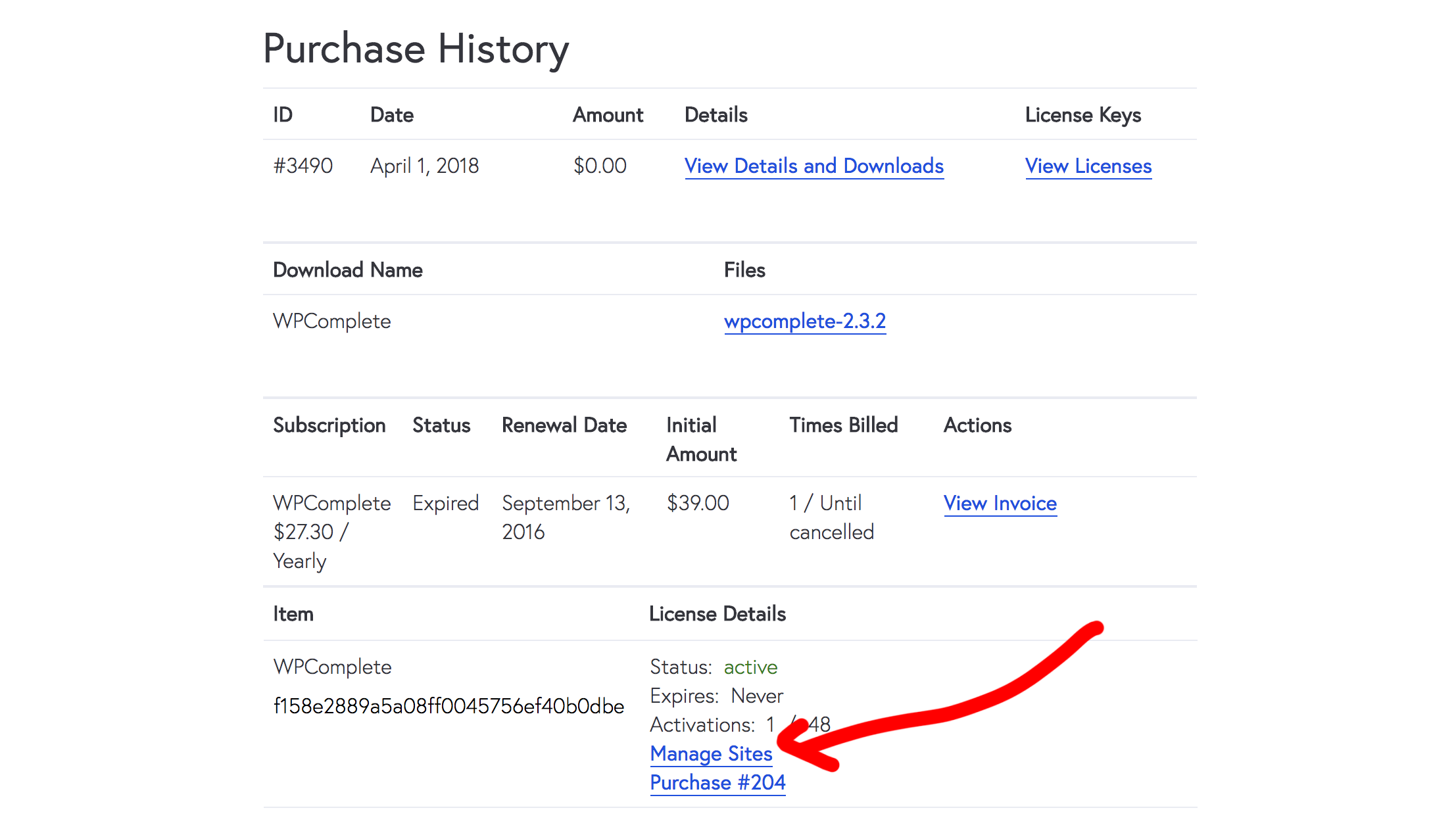
Updating the Licence URL
- Log in to your WPComplete account
- Click Licensing in the top menu
- Remove the old URL from the list of licensed sites
- Add the new URL where WPComplete should remain active
Conclusion
By updating the license URL in the account dashboard, site owners can ensure WPComplete continues to work properly after a domain change, hosting update, or SSL setup.

